A welcoming front desk
Answer the first question, show the right service and help a visitor prepare a booking.
FACE · VOICE · PAGE · STAGE
Someone is already there to welcome your visitors, explain what matters and help them take the next step. One AI host, with a face, a voice and the whole page to work with.
Try the live toolboxExplore without an account. Your microphone and camera stay yours to allow.
She is exploring the page. Her menu brings her back here.
Answer the first question, show the right service and help a visitor prepare a booking.
Explain a product with a drawing, put choices side by side and point out what matters.
Give your existing agent a living presence. Its tools do the work; this host makes the result visible.
THE REAL KIT, RIGHT HERE
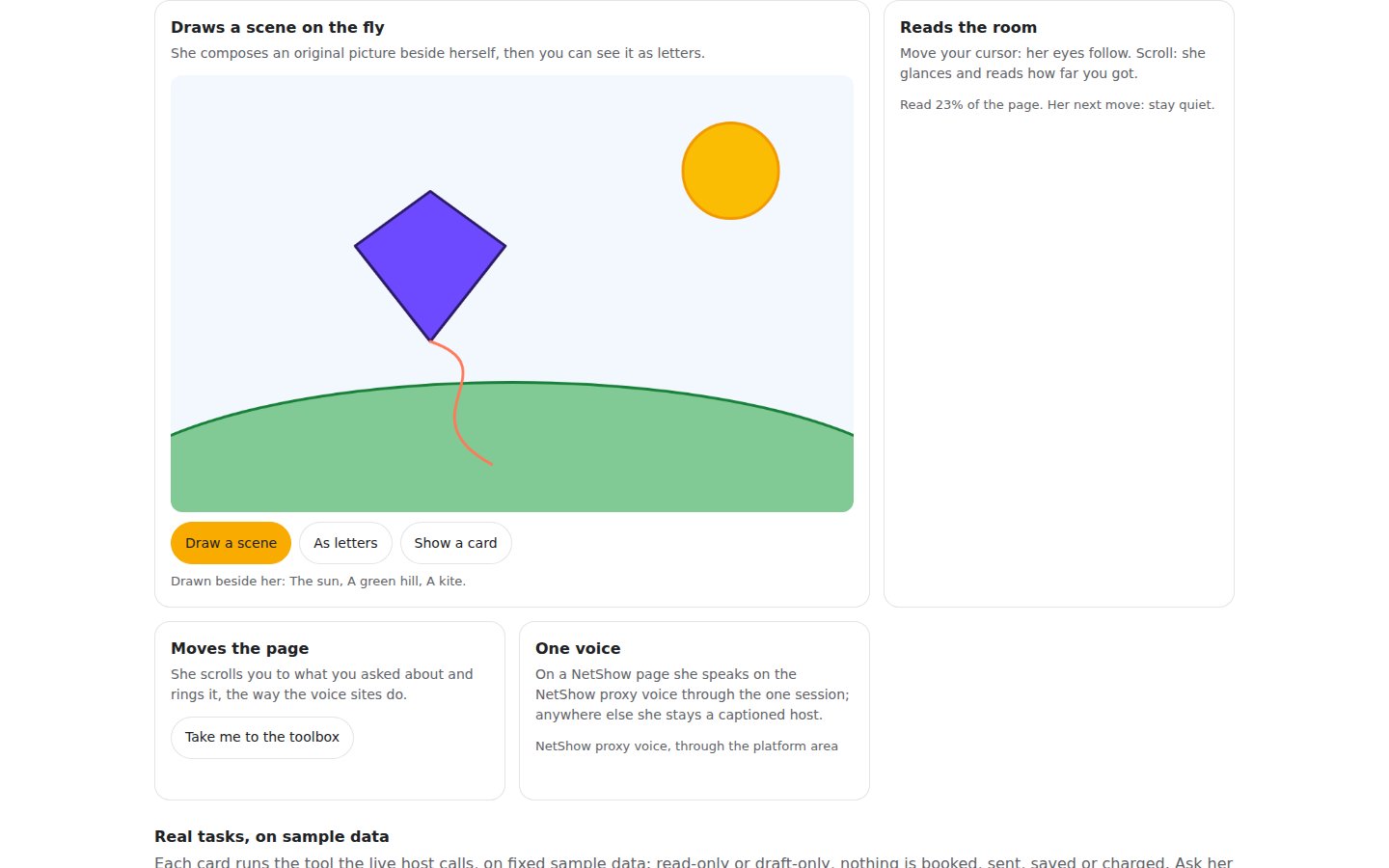
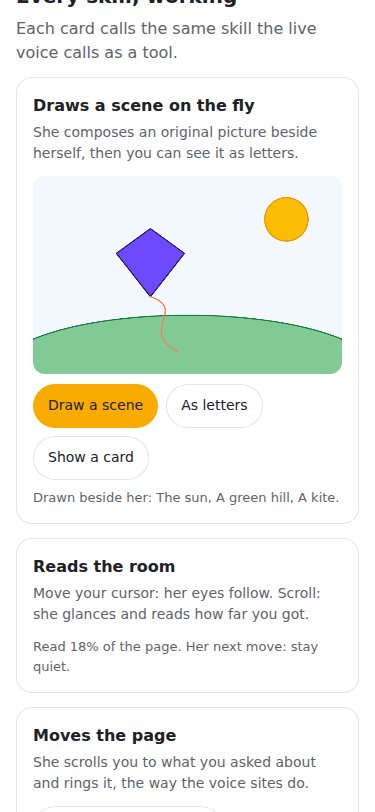
These controls run the same tools the host uses. Try a sample scene, show a card or let her take you to the toolbox.
Sample scene: a kite finding the wind. The real scene tool draws it here; in conversation the model supplies its own drawing.
Move your cursor: her eyes follow. Scroll: she glances and reads how far you got.
She scrolls you to what you asked about and rings it, the way the voice sites do.
Mrs. NetShow uses the NetShow proxy voice. If voice is unavailable, the greeting and tools still work with captions.
Each card runs the tool the live host calls, on fixed sample data: read-only or draft-only, nothing is booked, sent, saved or charged. Ask her what she can do here.
Captured on . The same host and scene tool you can try above.
The NetShow harness connects the thinking and tools. The Studio gives your agent its own character. Talking websites bring that agent to your visitors.
Draw, show and guide use the kit’s existing tool registry. A paired outside agent can use the same stage language. Sending, saving, booking and paid work keep their own permissions and limits.
The local face, sample drawing and page controls run in your browser. There is no per-minute face-rendering fee. Voice, model work and custom setup depend on your plan and its limits.
Custom builds are quoted. Confirm your scope and monthly price with the team before any work starts.
AI employee packages include more than the Alive Kit. These are starting monthly prices, not a standalone kit subscription or a checkout.
Plan my website’s hostEvery agent that wears the kit loads its skills from one registry. Pick a role, or switch a skill off for this site: it leaves her offer and her tool list at once.
These two lines mount the living character. Voice and business tools need your agent’s approved NetShow connection; the tag alone does not connect a microphone or start a paid service.
<script src="https://app.netshow.ai/alive-kit/alive-kit.js" defer></script>
<alive-agent agent="netshow" look="auto" mode="free"></alive-agent>
Every area that has landed plugs into the one host. Developers use the same kit areas and tool registry; there is no separate landing-page player.