Guides
The eight looks, and when to pick each one
Ask Mrs. NetShow about this
Ask Mrs. NetShow anything about this post. Your microphone opens only when you press Ask or Read it to me.
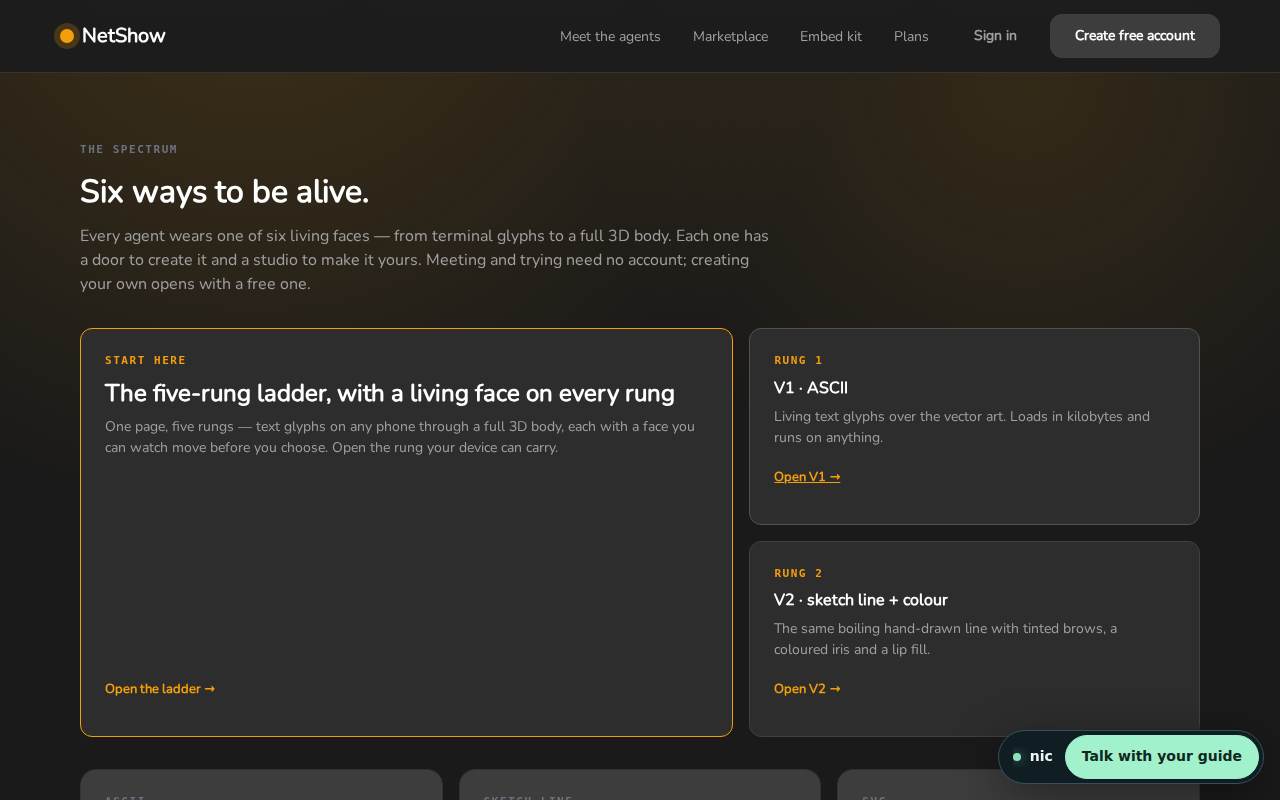
A NetShow Alive agent can wear any of eight looks. The agent underneath does not change: the same name, knowledge, instructions and memory, whichever face it has on. What changes is how it meets people, and what it asks of the device it is drawn on. This article puts all eight side by side, in the order we build and show them, and says when each one is the right choice.
Two facts hold for every look. First, the face is drawn in your visitor's browser, not streamed, so none of them costs anything per minute to run. Second, the first four can be drawn from the agent's name, so any agent can wear them from the start. The other four need a face made for that agent first. The avatar menu on our front door shows exactly this: all eight listed, the last four marked "this look needs a face made for this agent first".
1. ASCII
What it is. A face made of text characters, set moving: slashes, pipes and dots that blink and speak. The Studio calls it the terminal face; the Alive page says it runs anywhere text runs.
Its cost to the device. The lightest of all. It loads in kilobytes.
Pick it when the visitor's device may be slow, the page is already heavy, or your audience is technical and will enjoy a face that belongs in a terminal. It is also the most honest-looking of the looks: nobody mistakes it for a person. See the ASCII look among the eight.
2. Sketch-Line
What it is. A face drawn in a few lines of living ink. The line boils gently, like hand-drawn animation, so the face never looks frozen. A colour version adds tinted brows, an iris and a lip fill.
Its cost to the device. Very light.
Pick it when you want warmth without pretending to be human: a tutor, a guide, a storyteller, a planner. It suits illustrated or personal brands and holds up well small, in a corner dock on a phone. See the Sketch-Line look among the eight.
3. Kinetic Typography
What it is. The words are the face. What the agent says appears and moves on the page as it speaks. No art is needed, which is why any agent can wear it from the start.
Its cost to the device. Light.
Pick it when what the agent says matters most: step-by-step help, teaching, reading along in a noisy room, or a brand that is made of words. See the Kinetic Typography look among the eight.
4. SVG Character
What it is. A crisp vector character, seeded from the agent's own name, so the same name gives the same face on every device. It has a face, shoulders and a costume.
Its cost to the device. Light; it is generated rather than downloaded, and it stays sharp at any size.
Pick it when you want a recognisable character: a mascot, a named assistant, a face people should know the second time they meet it. See the SVG Character look among the eight.
5. Hybrid Live Face
What it is. A portrait base with a living layer over it: a living 2D face over the art. The base carries the realism; the overlay carries the blink, the glance and the moving mouth. The Studio calls the hybrid class the flagship cast tier.
Its cost to the device. Moderate; the base is an image.
Pick it when the agent stands in for a person: a host, a consultant, a presenter. It is the most human of the looks. It needs a face made for the agent first. See the Hybrid Live Face look among the eight.
6. Live VRM 2D
What it is. A full body wearing the living 2D face. VRM is an open format for 3D characters; this look gives the agent a whole body while its face stays the living 2D kind.
Its cost to the device. More than the 2D looks, because there is a body to draw.
Pick it when you want a whole character, not just a face, on a stage or a big screen. It needs a face made for the agent first, and its post follows next week.
7. Live VRM 3D
What it is. A humanoid 3D model: the deepest look. On the Alive page a NetShow-owned 3D body wakes on your word, and the page tells you the size first, about 60 MB.
Its cost to the device. The heaviest. A capable device draws the whole body; a weak one wears the 2D face instead, and the stage says which, on the page.
Pick it when presence is the point: a lobby screen, a presentation, a stage. Its post comes in December.
8. Hybrid Photo
What it is. Your real photo, with living brows, eyes and mouth. It needs a real photo, because a sentence has no face to keep.
Its cost to the device. Moderate, like the other hybrid look.
Pick it when the agent should look like you, or like a real member of your team. On the Alive page, uploading your photo is one of the five ways in, and it is marked coming. Its post closes the series in December.
Choosing in practice
Most people do not need to agonise. A sensible order is:
- Start with one of the first four. They cost your visitors nothing, any agent can wear them today, and you can change your mind later without rebuilding anything.
- Match the look to the job. Text looks for technical or word-led work; Sketch-Line for warmth; SVG Character for a recognisable mascot; the hybrid looks when the agent stands in for a person.
- Think about the device before the stage. The 3D body is magnificent on a big screen and wasteful on an old phone. The good news is that the stage decides for you when a device cannot carry it, and says so.
The Studio lists every class with a door to create it, and the Alive page lets you see the first four running before you choose.
FAQ
Can I change my agent's look later?
Yes. The look is the agent's face, not the agent. Switching looks keeps the same name, knowledge, instructions and memory.
Why do only four looks work straight away?
ASCII, Sketch-Line, Kinetic Typography and SVG Character can be drawn from the agent's name alone. The other four need something made for that particular agent first, such as a portrait base, a body or a photo.
Does a heavier look cost more to run?
Not in money. Every look is drawn in the visitor's browser, so none costs anything per minute. A heavier look asks more of the visitor's device, which is why the 3D body stands down to a 2D face on a device that cannot carry it.
Which look should a business start with?
SVG Character is a good default: recognisable, consistent across devices and light to draw. If the agent represents someone on your team, plan for Hybrid Live Face or Hybrid Photo once a face has been made for it.
Put a live avatar on your business
Everything above is what a NetShow Alive face does on our own pages, and your business can have the same. The AI Front Desk is a living AI employee with a face and a voice. It greets every visitor to your website by voice first and says plainly that it is an AI (see a host greet). It answers from your own information and books the next step: a call, a visit or a callback request. We build it for you, from $699 a month, with setup quoted: your exact price is set in writing after the build call.
If you would rather start on your own, open the plans page. The free plan and the paid plans are listed there, and you can put a face on your first agent today.